← All products
 Free
Free
Free
Digital download
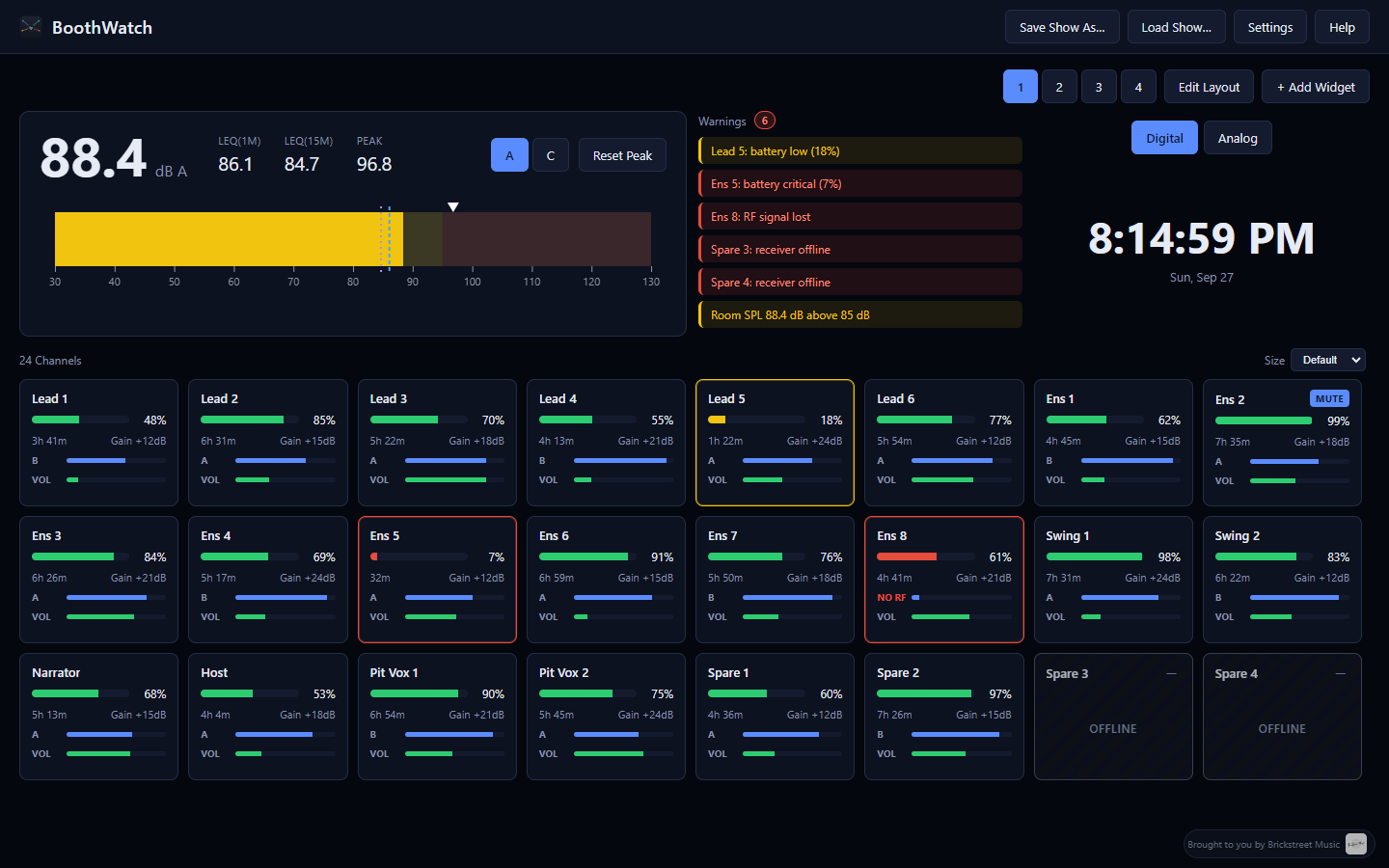
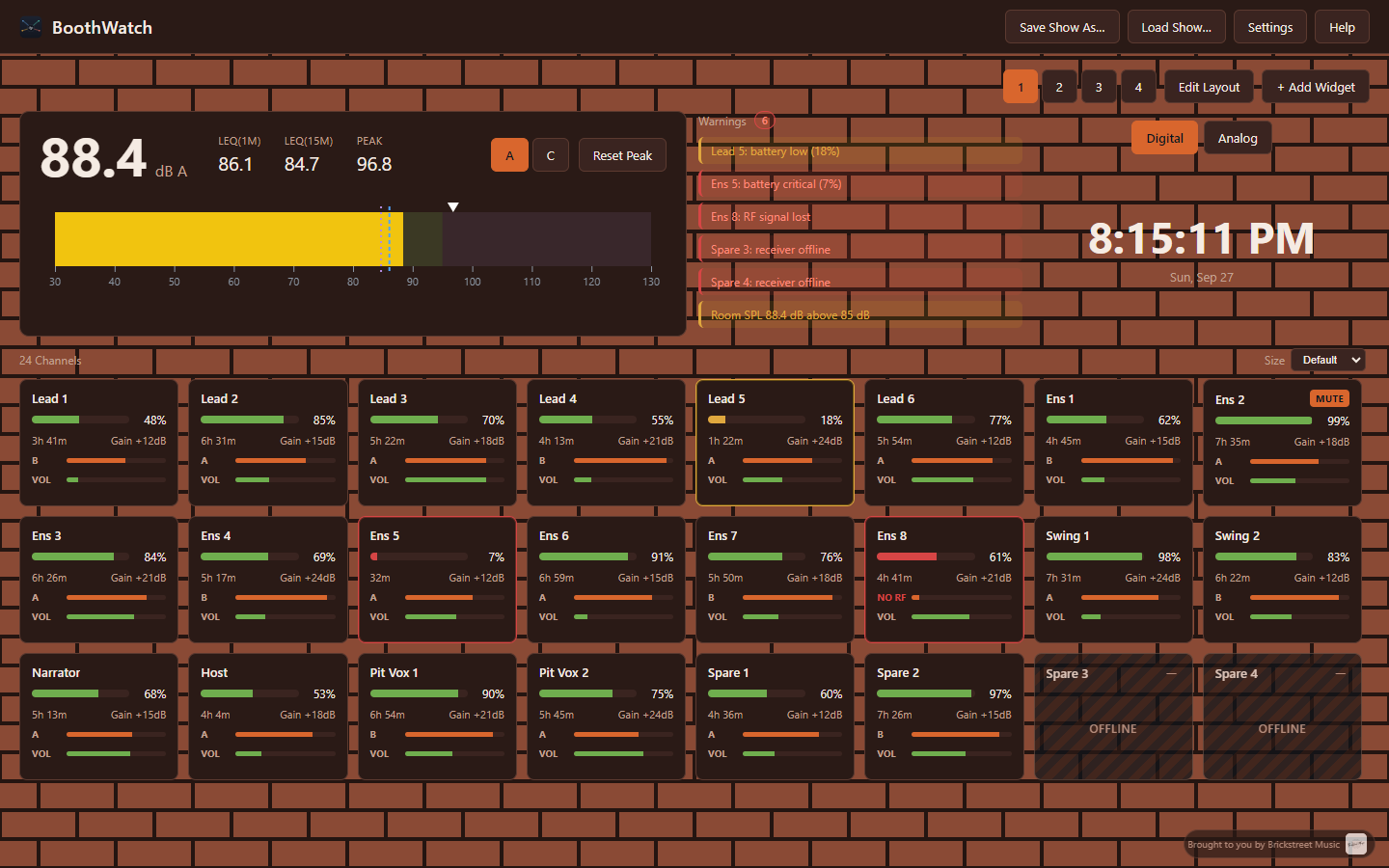
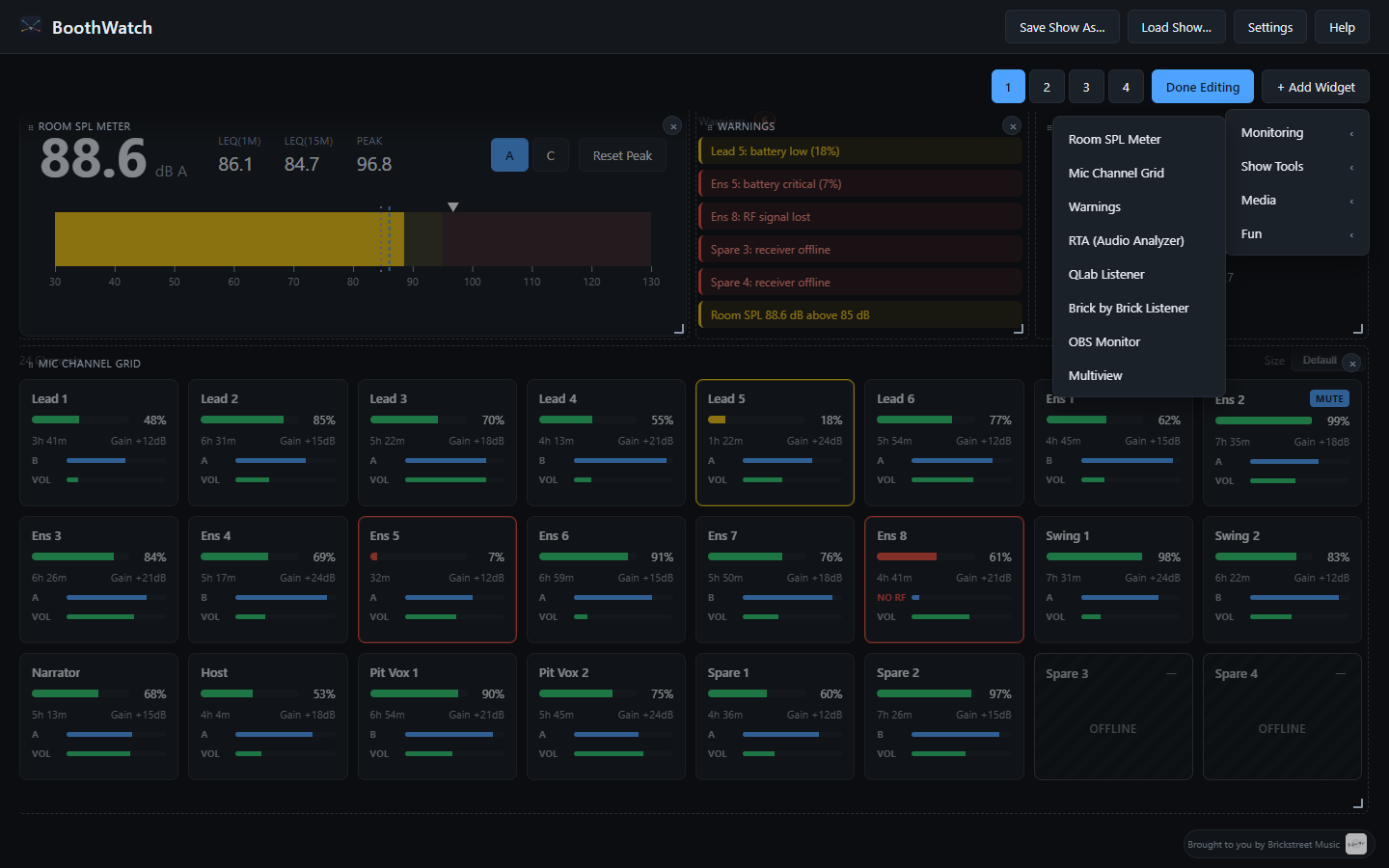
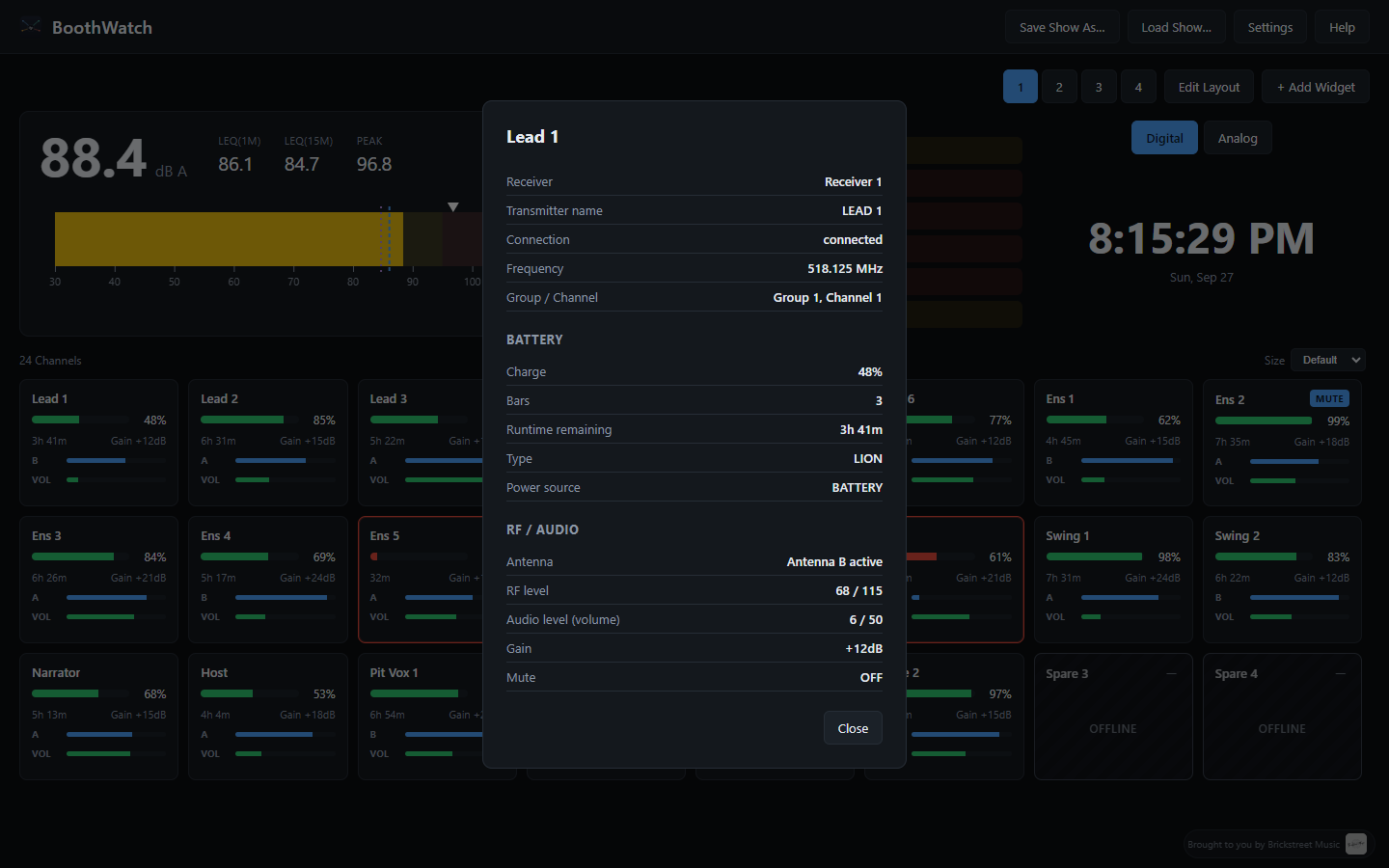
BoothWatch puts everything a booth operator needs to watch during a show on one screen: wireless mic health, room sound levels, show integrations, and reference material — all in a drag-and-drop dashboard you build yourself. No two shows are run the same way, so no two BoothWatch dashboards have to look the same either.
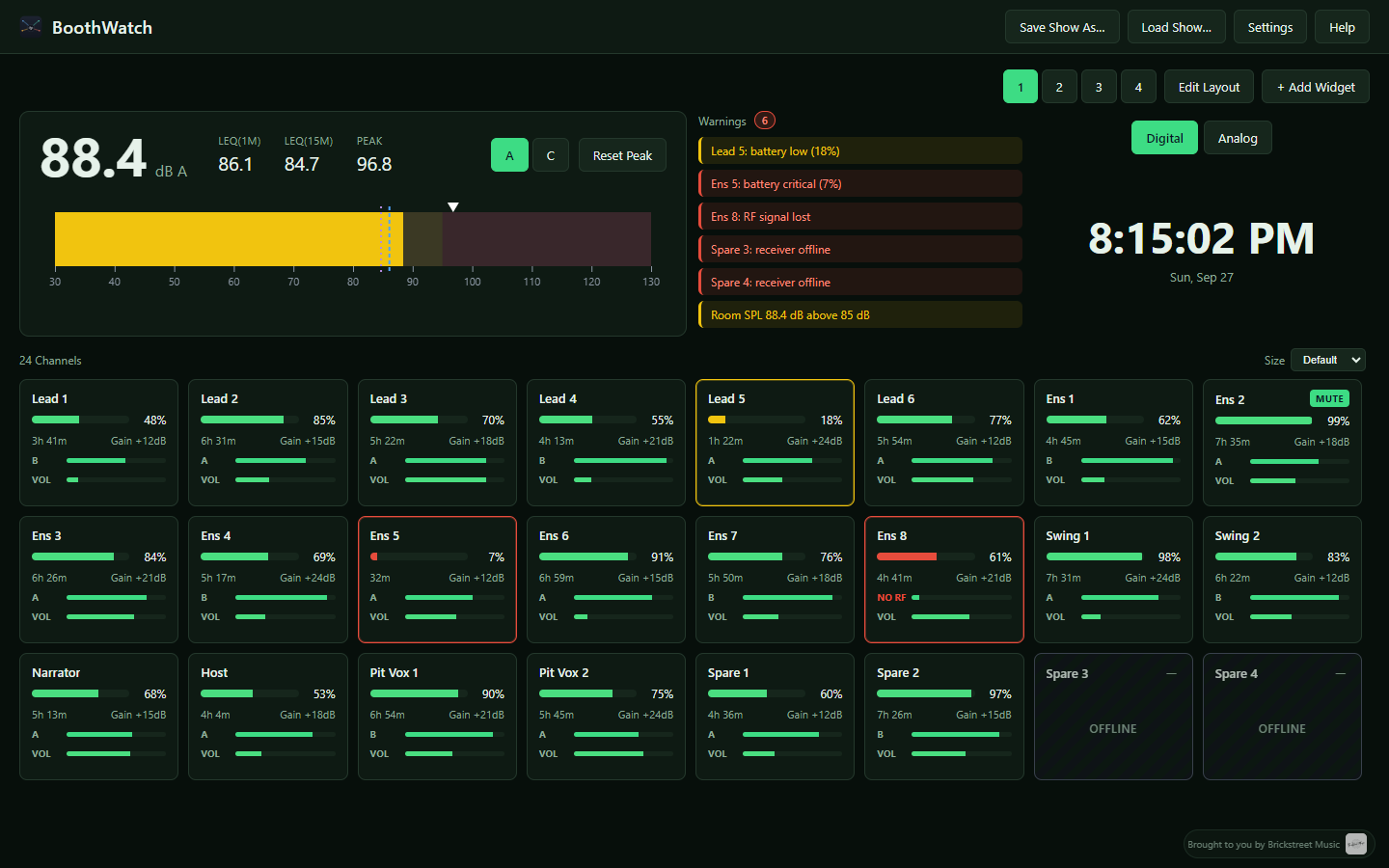
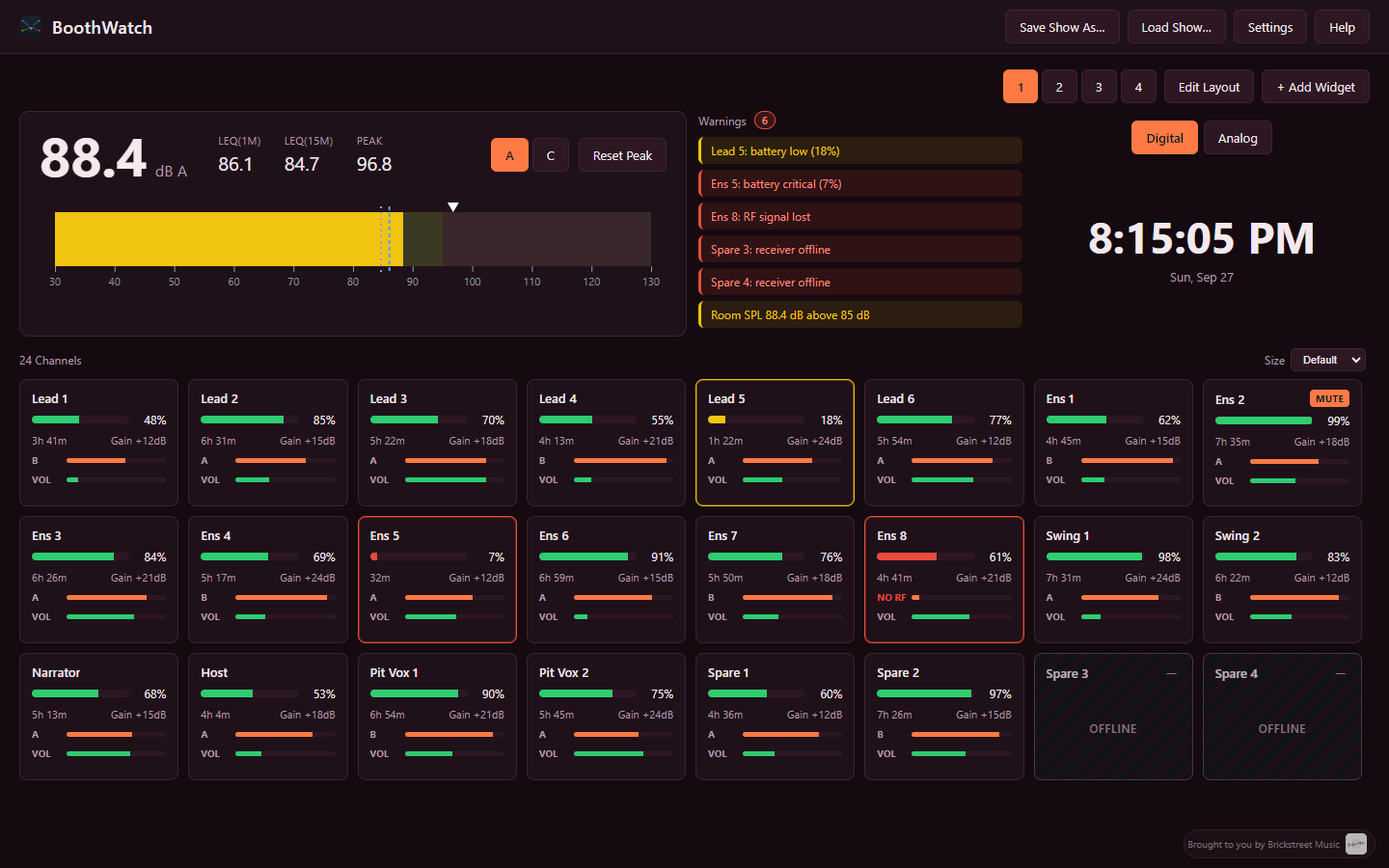
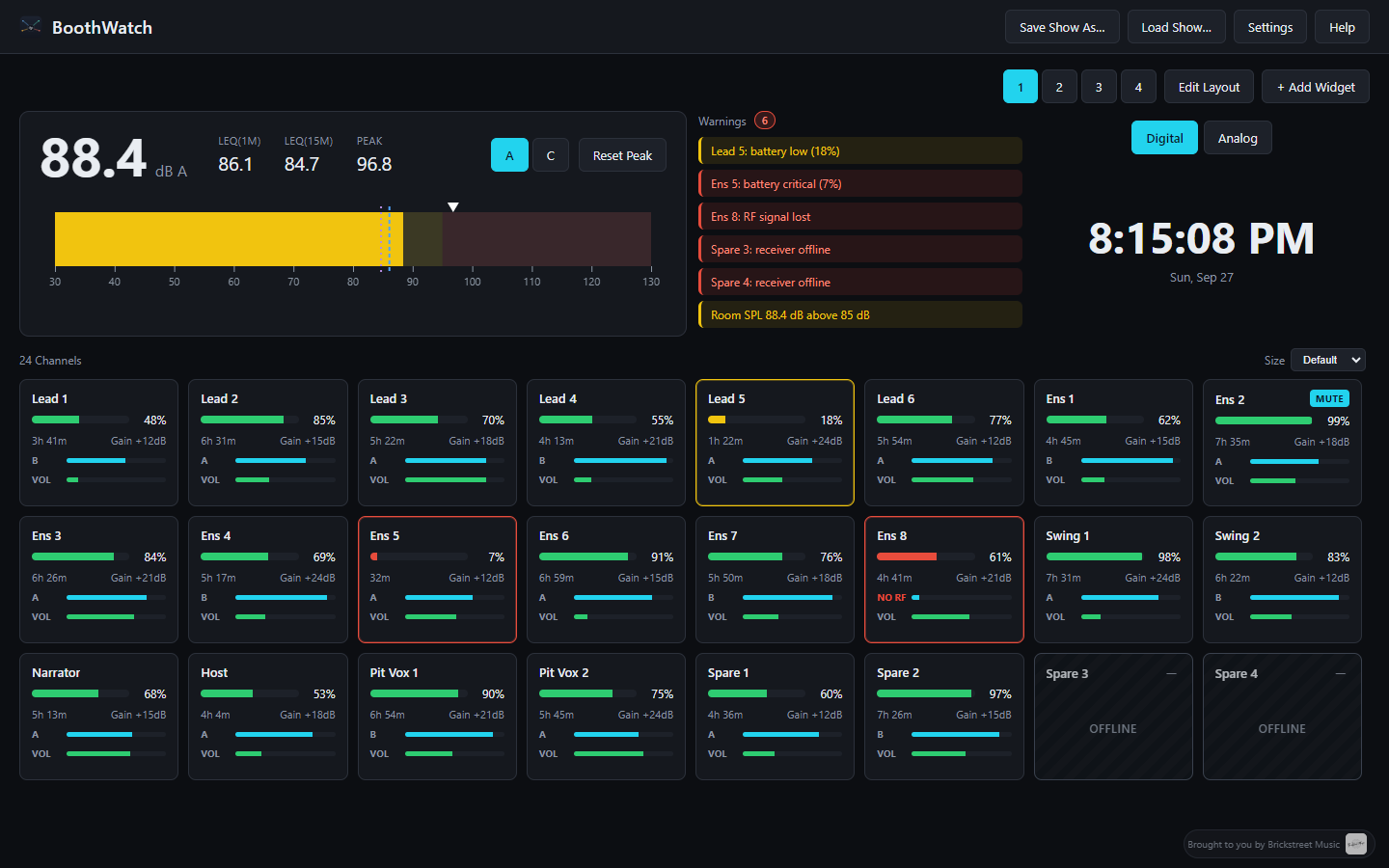
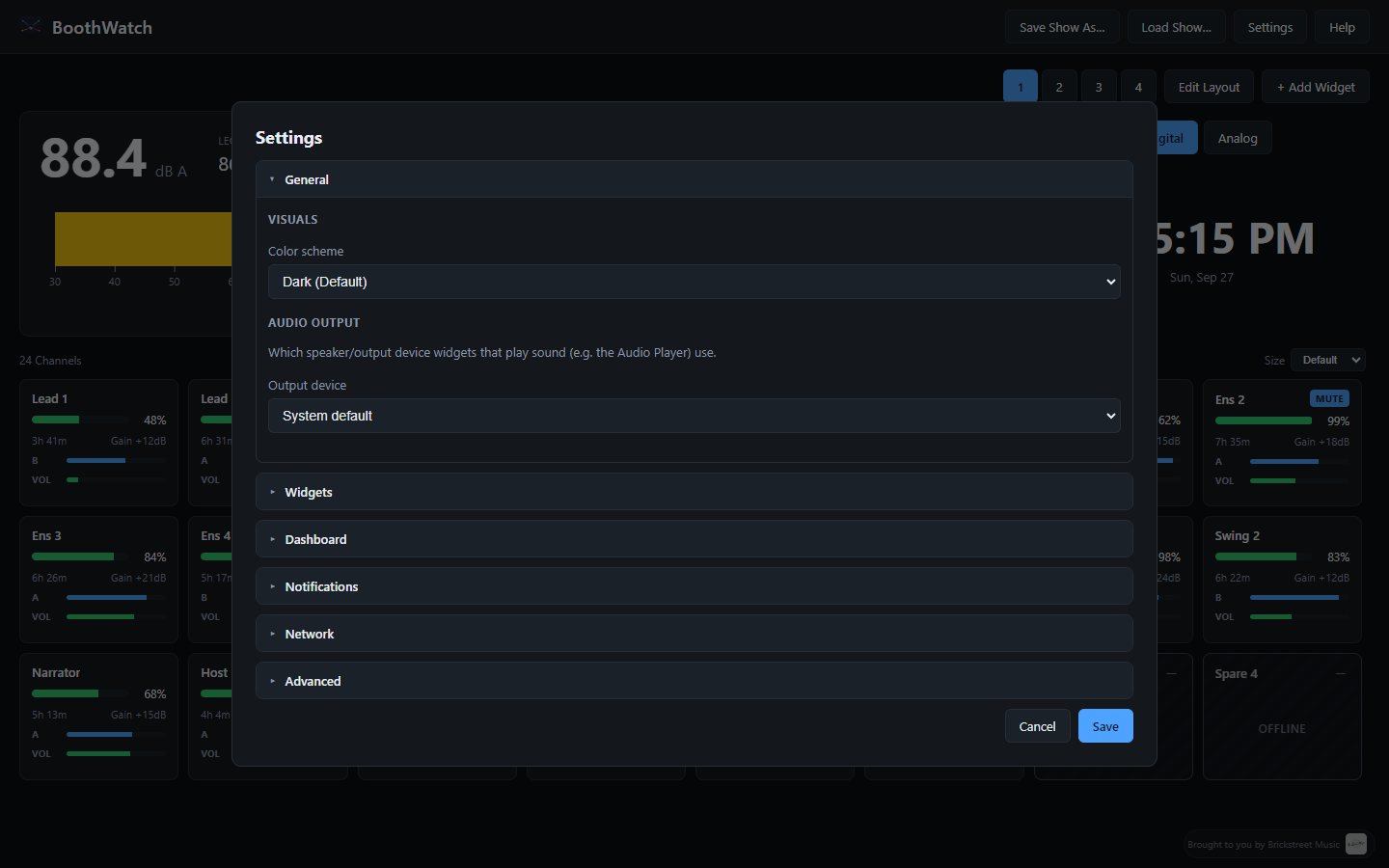
Works out of the box in demo/simulator mode, and connects to real hardware and show-control software when you're ready. Six color themes included (yes, even a brick-wall one).
Widget Library
Monitoring
BoothWatch
Everything the booth needs to see, on one screen.
$19.99Free
BoothWatch
A live, customizable monitoring dashboard for the sound booth — and beyond.BoothWatch puts everything a booth operator needs to watch during a show on one screen: wireless mic health, room sound levels, show integrations, and reference material — all in a drag-and-drop dashboard you build yourself. No two shows are run the same way, so no two BoothWatch dashboards have to look the same either.
Works out of the box in demo/simulator mode, and connects to real hardware and show-control software when you're ready. Six color themes included (yes, even a brick-wall one).
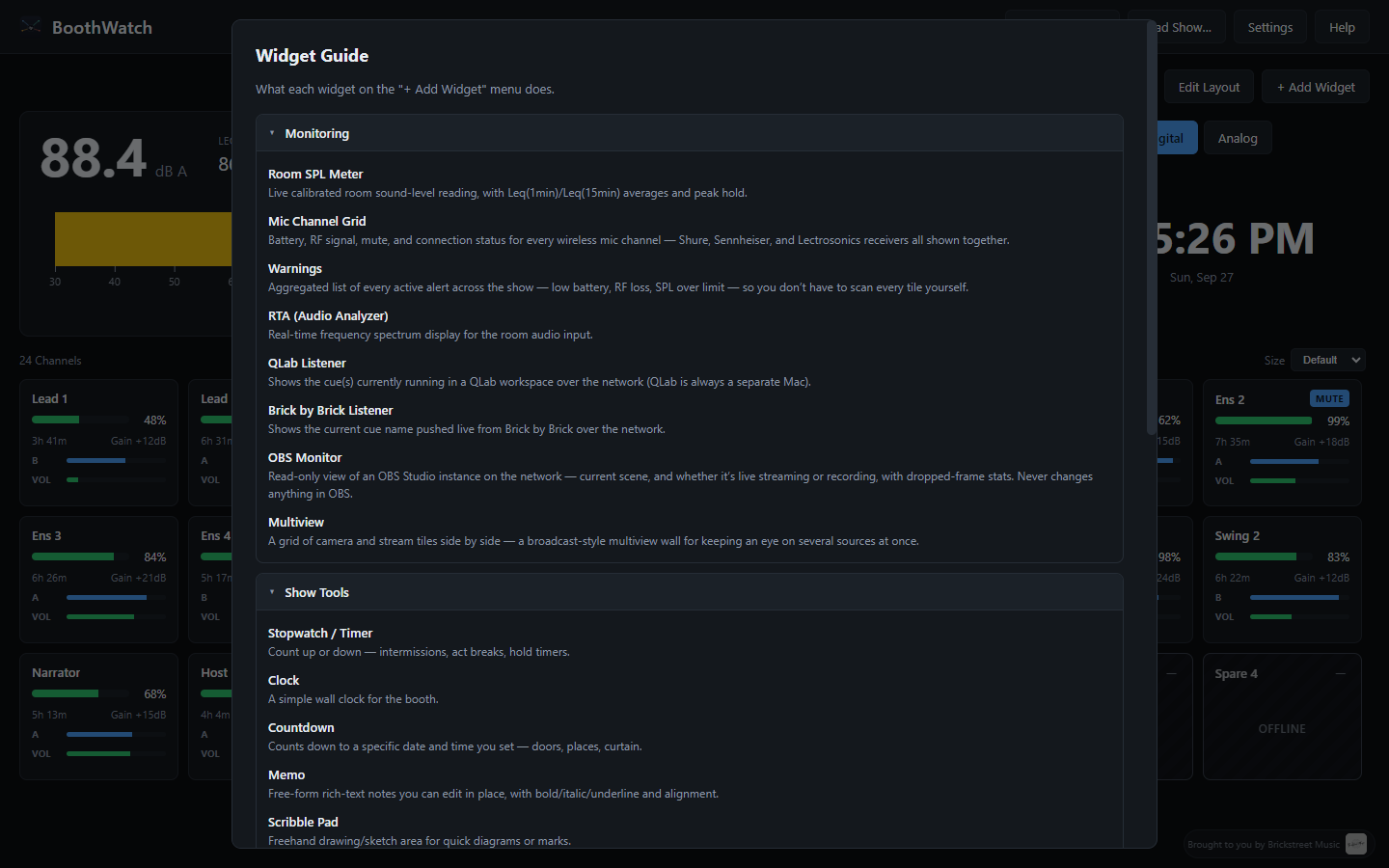
Widget Library
Monitoring
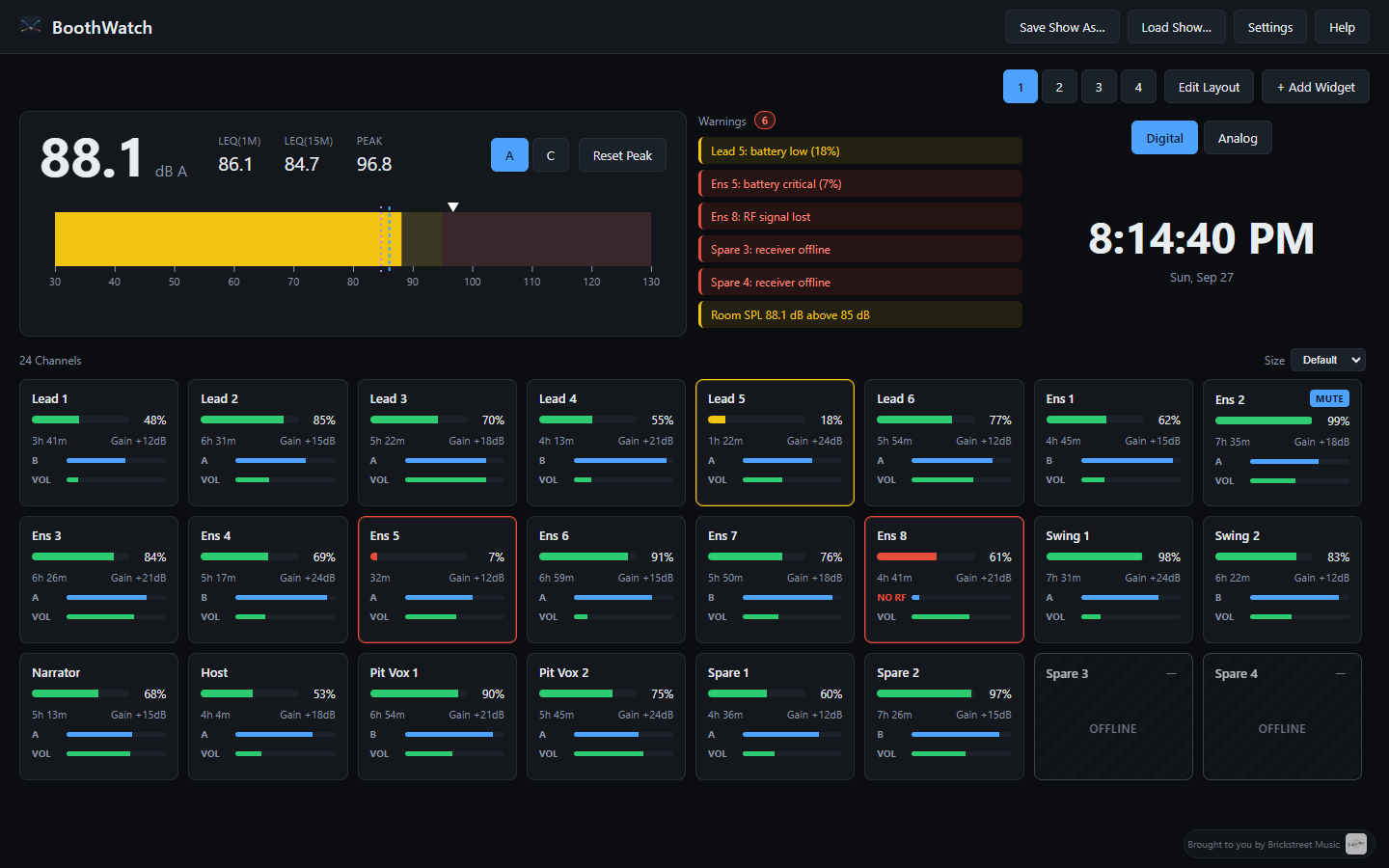
- Room SPL Meter — Live calibrated room sound-level reading, with 1-minute and 15-minute averages and peak hold.
- Mic Channel Grid — Battery, RF signal, mute, and connection status for every wireless mic channel — Shure, Sennheiser, and Lectrosonics receivers shown together in one place.
- Warnings — Every active alert across the show — low battery, RF loss, sound level over limit — aggregated in one spot.
- RTA (Audio Analyzer) — Real-time frequency spectrum display for the room audio input.
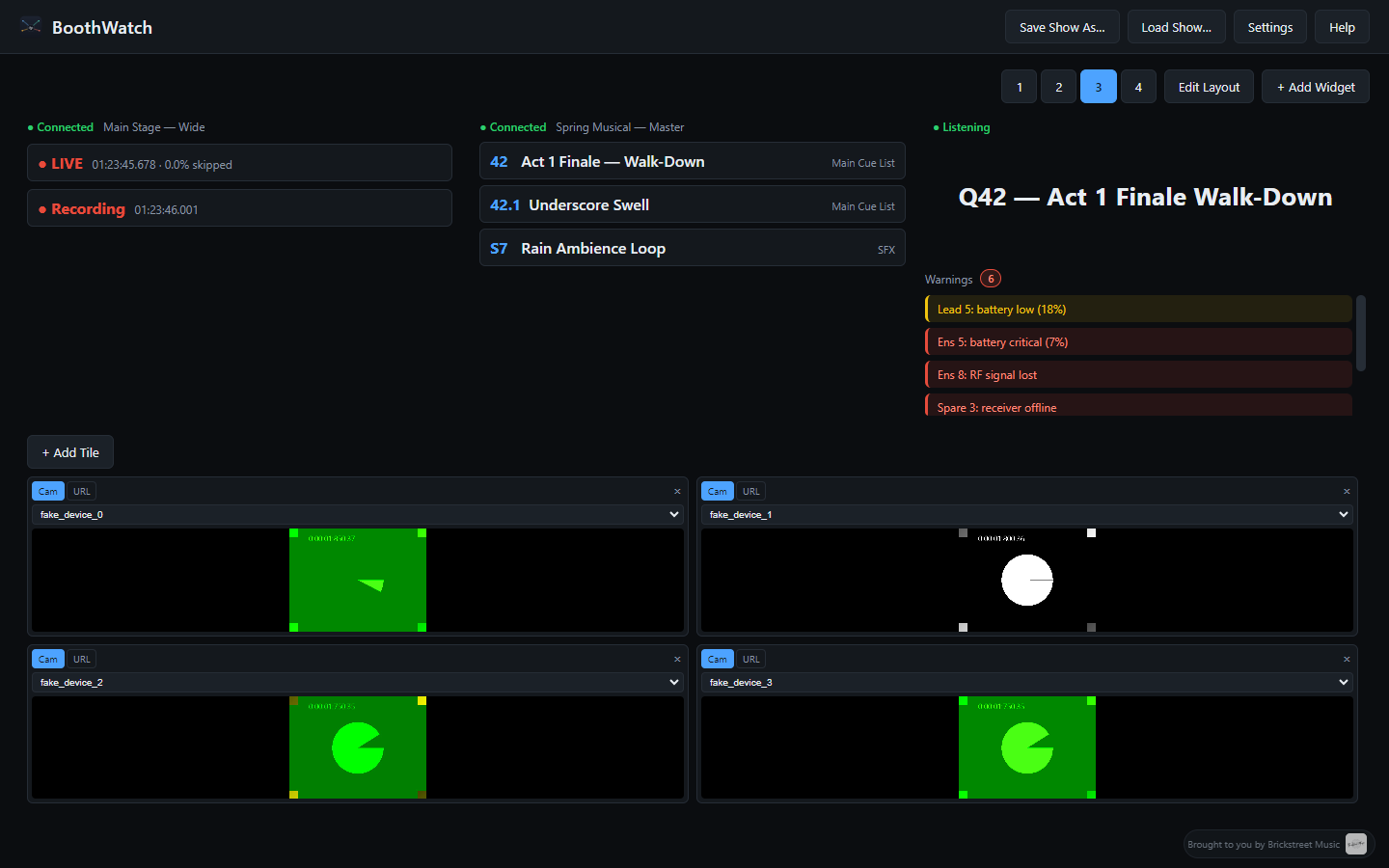
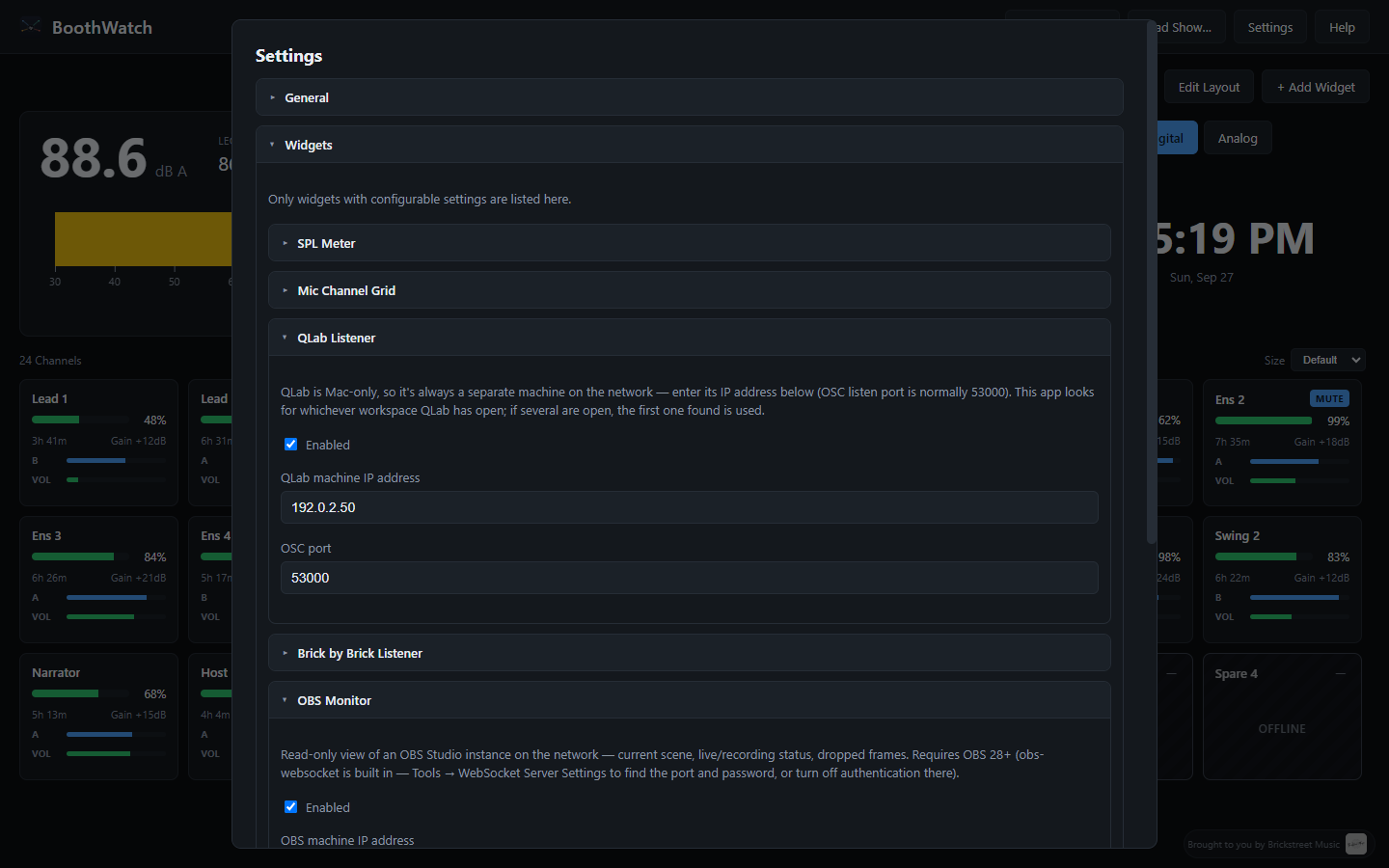
- QLab Listener — Shows the cue(s) currently running in a QLab workspace over the network.
- Brick by Brick Listener — Shows the current cue name pushed live from Brick by Brick.
- OBS Monitor — Read-only view of an OBS Studio instance on the network: current scene, live/recording status, dropped-frame stats.
- Multiview — A broadcast-style grid of camera and stream tiles for keeping an eye on several sources at once.
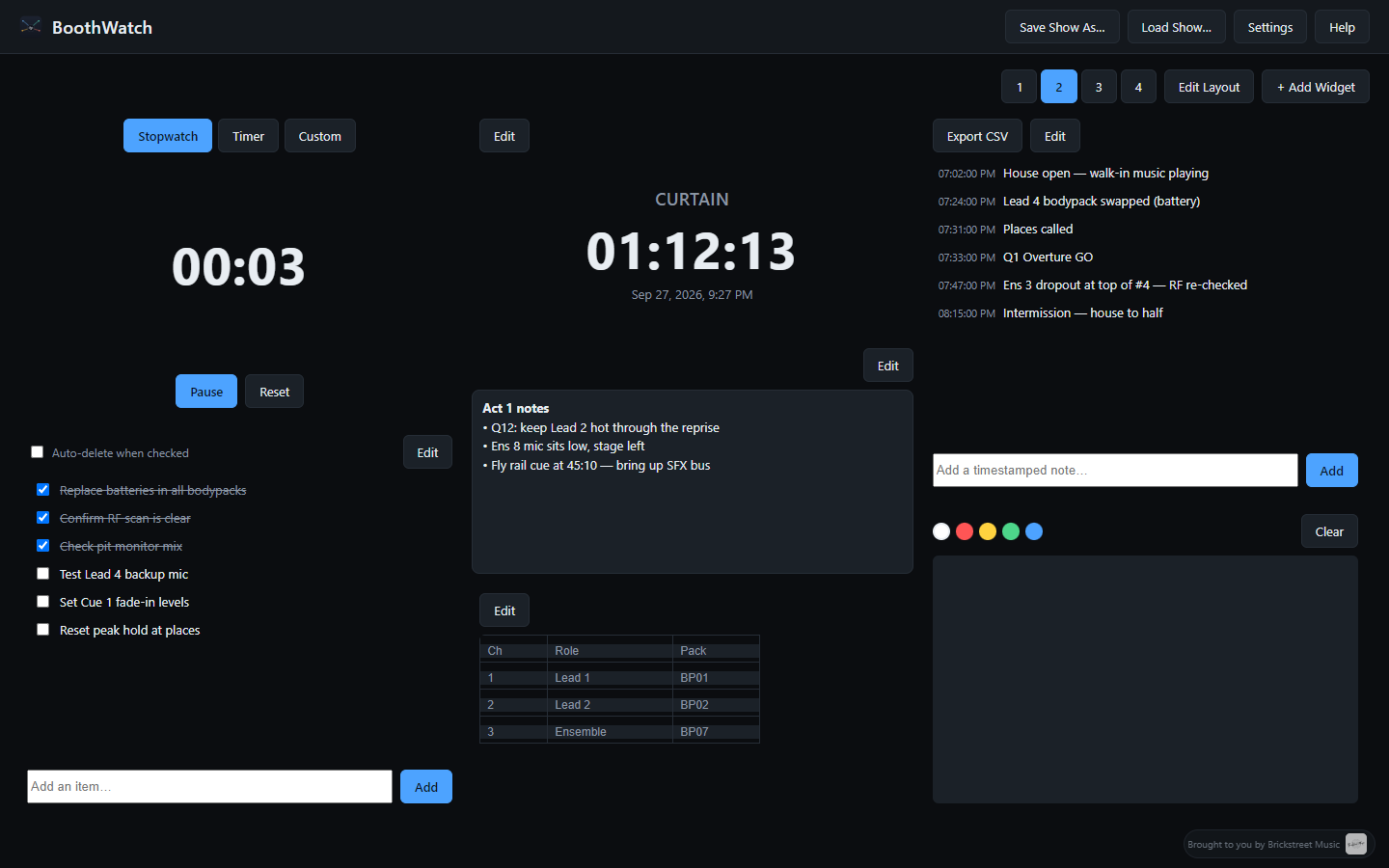
- Stopwatch / Timer — Count up or down for intermissions, act breaks, hold timers.
- Clock — A simple wall clock for the booth.
- Countdown — Counts down to a specific date and time — doors, places, curtain.
- Memo — Free-form rich-text notes, editable in place.
- Scribble Pad — Freehand drawing for quick diagrams or marks.
- Table — A resizable spreadsheet-like grid for tracking anything — channel assignments, prop lists, whatever the show needs.
- Show Log — A running log of timestamped notes, exportable to CSV afterward.
- Checklist — Items you check off as you go, with an option to have them fade away automatically once checked.
- Live Feed — Embeds a camera or stream right in the dashboard.
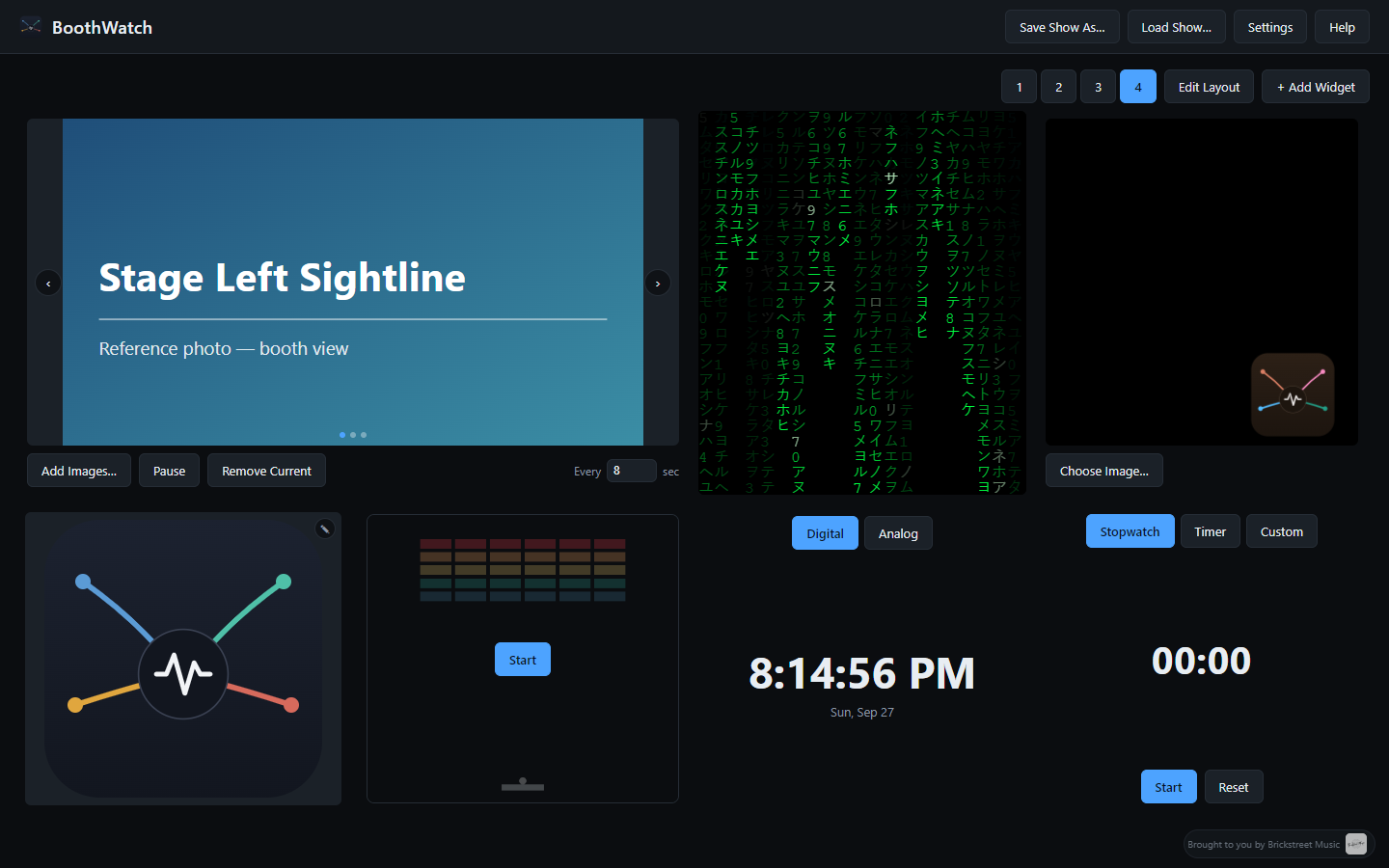
- Picture — Displays a static image, like a floor plan or reference photo.
- Audio Player — Plays a local audio file — walk-in music, pre-show announcements, curtain speech.
- Slideshow — Rotates through a set of images on a timer.
- PDF Viewer — Keeps a rider, floor plan, or script visible without switching apps.
- Video Player — Plays a local video file with standard playback controls.
- Web Page — Pins any web page in the dashboard — a shared run sheet, a cue-tracking doc — so it's always visible.
- Fun
- Matrix Rain — Animated Matrix-style falling code, just for fun.
- Bouncing Logo — The classic bouncing-logo screensaver, with your own image if you want.
- Brick Break — A hidden Breakout-style mini-game easter egg.